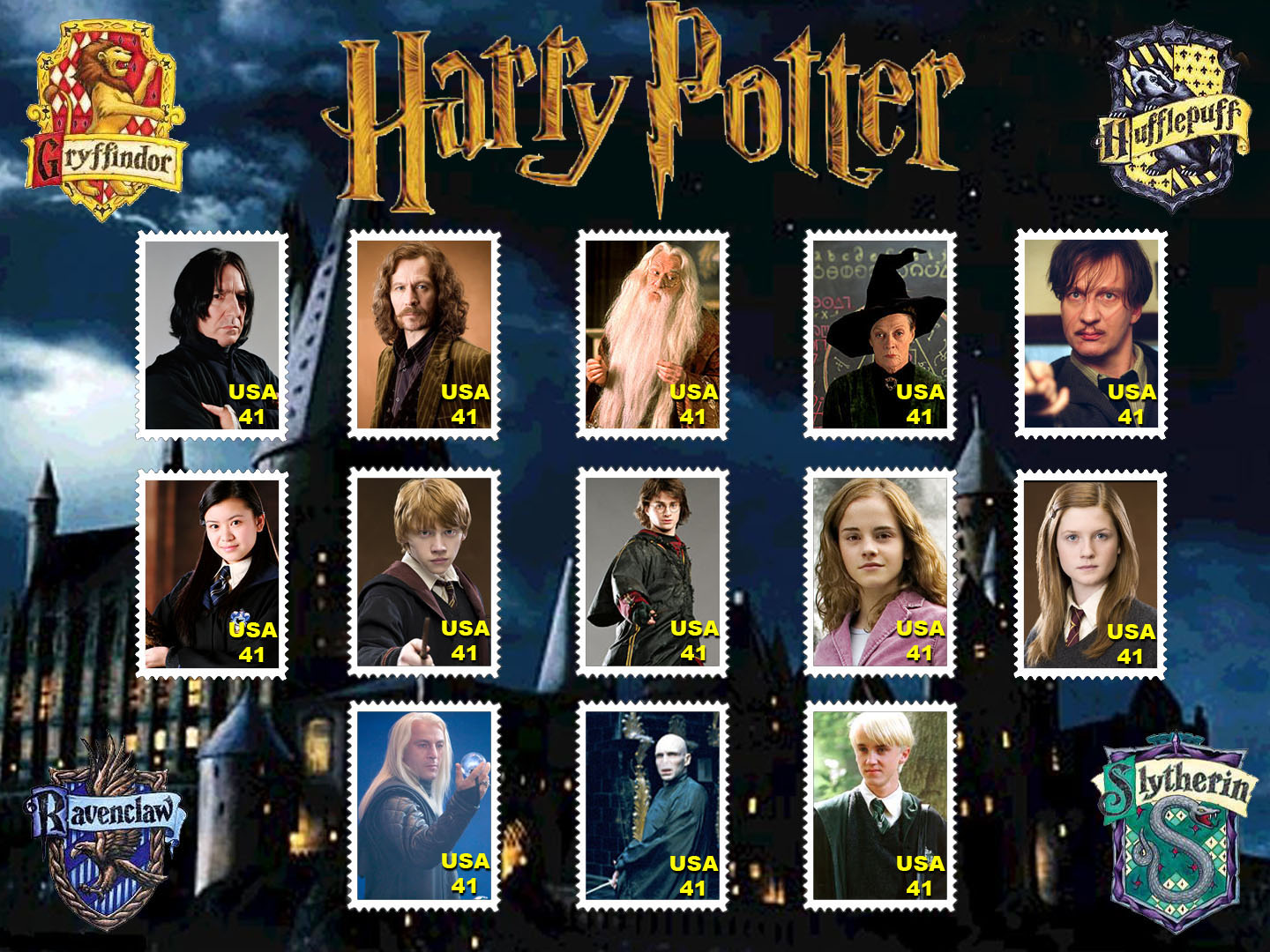

The United States Postal Service comes out with alot of different stamp series. Each stamp series has a different theme and has public appeal. the people want tot buy the stamps beacuase they look good. Stamps are also used in collections and some people's hobbies is collecting stamps.
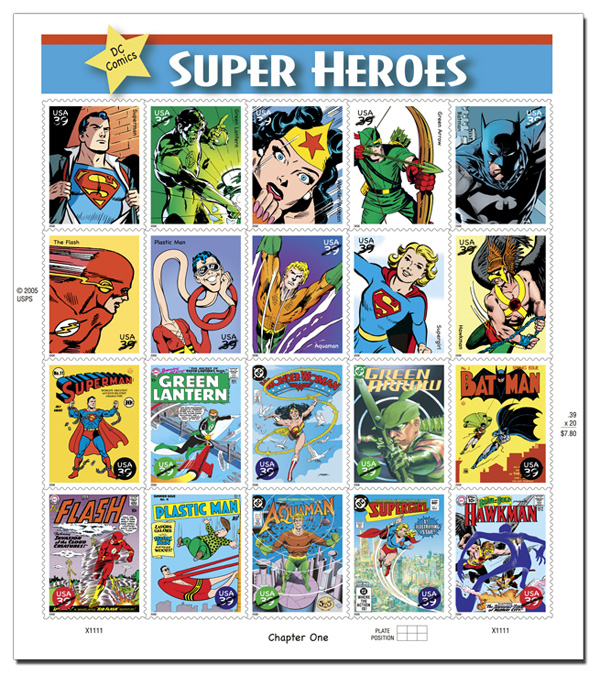
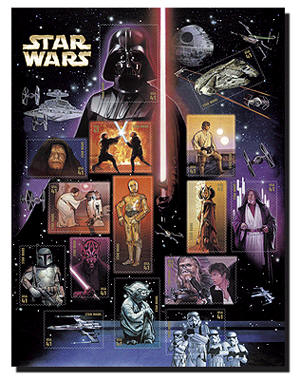
Above are stamp collections that the USPS have created and sell. This project will teach you how to make your own stamp collection similar to the ones above. The stamp collections above all have a specific theme, Star Wars and Superheros. Your stamp collection should also have a theme. It can be anything you want like your hobbies or stamps represneting your personality.
| Step 5 | Step 6 | Step 7 | Step 8 |
STEP 1: Think of an idea for your stamp series
STEP 2: Open up a Photoshop document and copy and paste the stamp template below onto your document.
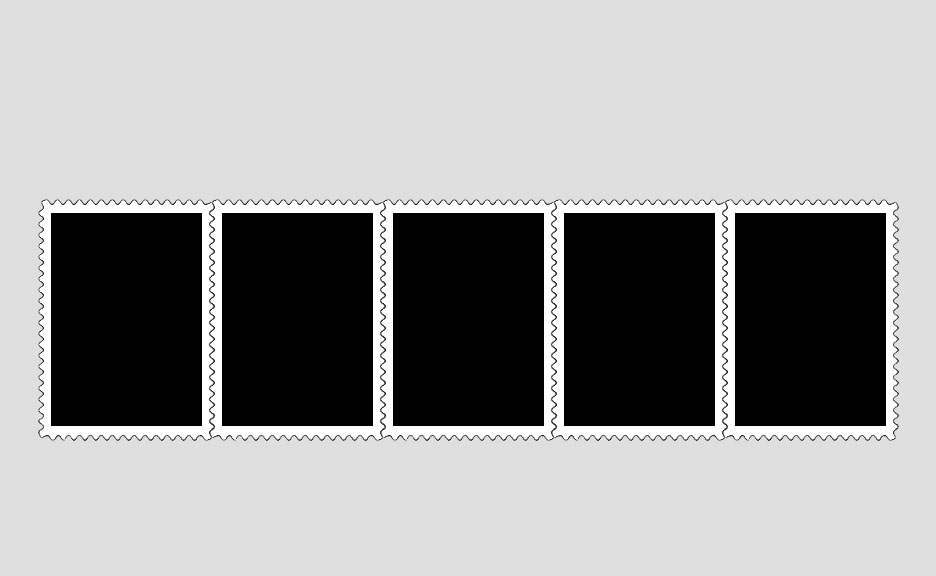
Step 3: Find pictures that relate to your theme
Step 4: open the Picture in Photoshop and select all of it (Ctrl A). Then copy (Ctrl C). Switch back to your document with the stamp Template.
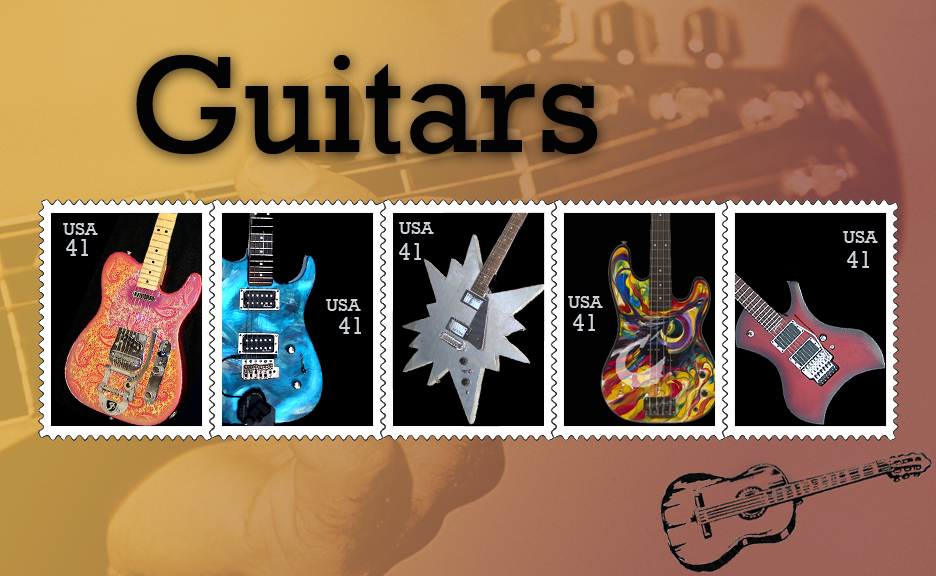
Step 5: Use the magic wand tool on the side panel to select one of the stamp boxes.
Step 6: Now paste your picture into the box. Edit>Paste Into, or Shirt+Ctrl+V
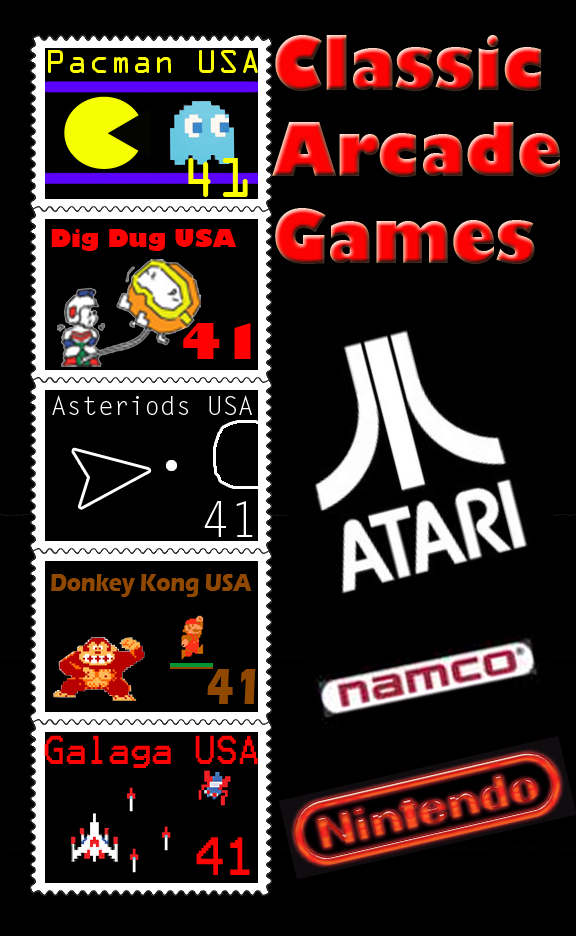
Step 7: Deselect the box (Ctrl D). Now you can move your picture around by selecting the layer that your picture is on and moving it to show what you want. You can also adjust the size of your picture by doing Ctrl T. This allows you to move it around, reshape it, or rotate it.
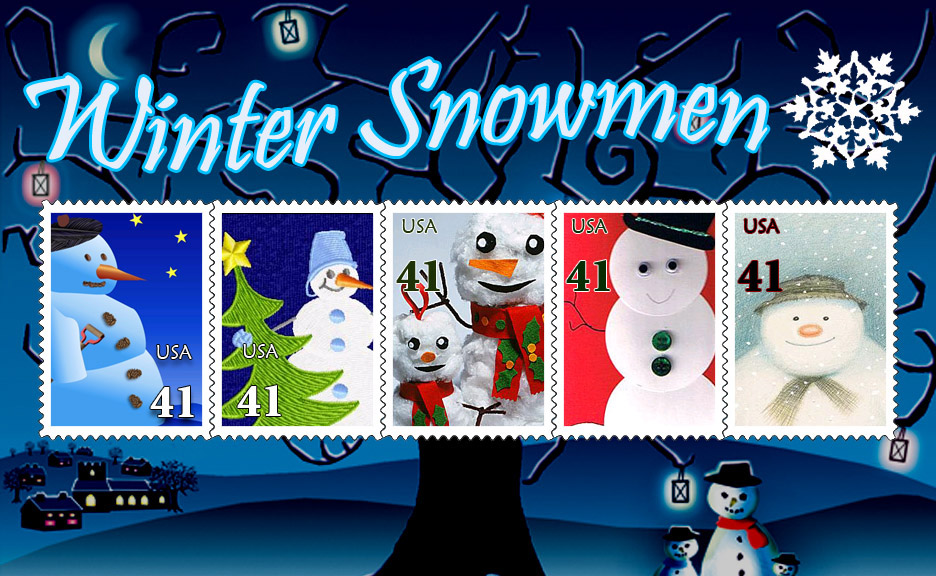
Step 8: Continue to do this until you fill all the boxes of the template. Now you can add a background of your choice.
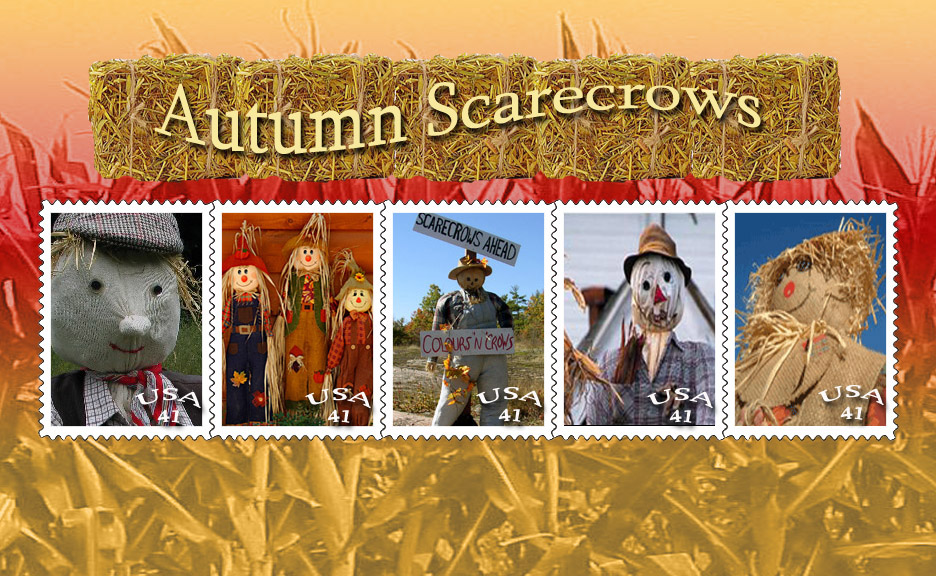
Add a title to your stamp collection
Add decorations or other graphic to the sides
Add a small number in the corner with the value of each stamp
Add USA or other country on the stamp